
Option A
a) Fabric Patch Mockup Free
Users can use a fabric patch mockup free tool to get an up-close-and-personal view of the texture, color, and placement of a design prior to its production without paying a penny.
Call Us: (703)-666-8193
support@rushpatch.com
FREE SHIPPING ON ALL ORDERS (OVER 200$)
Patches would be shipped within 3-6 business days!

The appearance of a design may vary when it is stitched or printed onto fabric, texture and material finishes affect how colors and detail appear. With a fabric patch mockup, you will see a realistic representation of your finished patch without committing any material.
The more patches that can be ordered without having a physical sample to preview the design, the more mistakes that will be avoided. That’s where the role of Rush Patch’s Fabric Patch Free Mockup tool comes into play.
Fabric patch mockup is a digital preview of a design that will be applied to a patch, be it embroidery, weaving or printing the design onto an actual patch, without cutting or using any fabric or thread. It helps you visualize your design on a realistic patch template with all the texture, color and finish factors in to see how it will look before you invest in production.
A fabric patch mockup will provide a much better sense of the product than a design file alone, since the final image can be altered when it is stitched or printed. This means that designers and businesses that produce designs using Rush Patch can be able to detect sizing problems, color mismatches, or even placement errors before they become a costly mistake in a completed order.
✓ Preview the finished look before production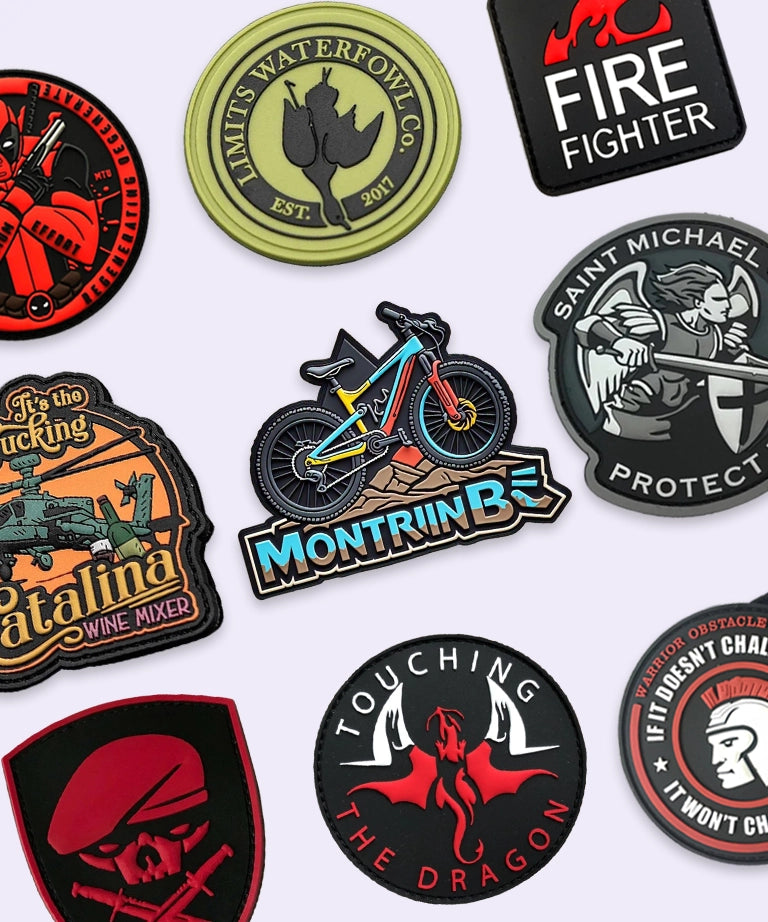
Upload your logo or artwork to preview realistic 3D embroidery stitching instantly.
Users can use a fabric patch mockup free tool to get an up-close-and-personal view of the texture, color, and placement of a design prior to its production without paying a penny.
If you need to keep the preview for future reference, a fabric patch mockup free download allows you to save the preview file for later, which is perfect for showing the client, your portfolio, even for comparing options before ordering.
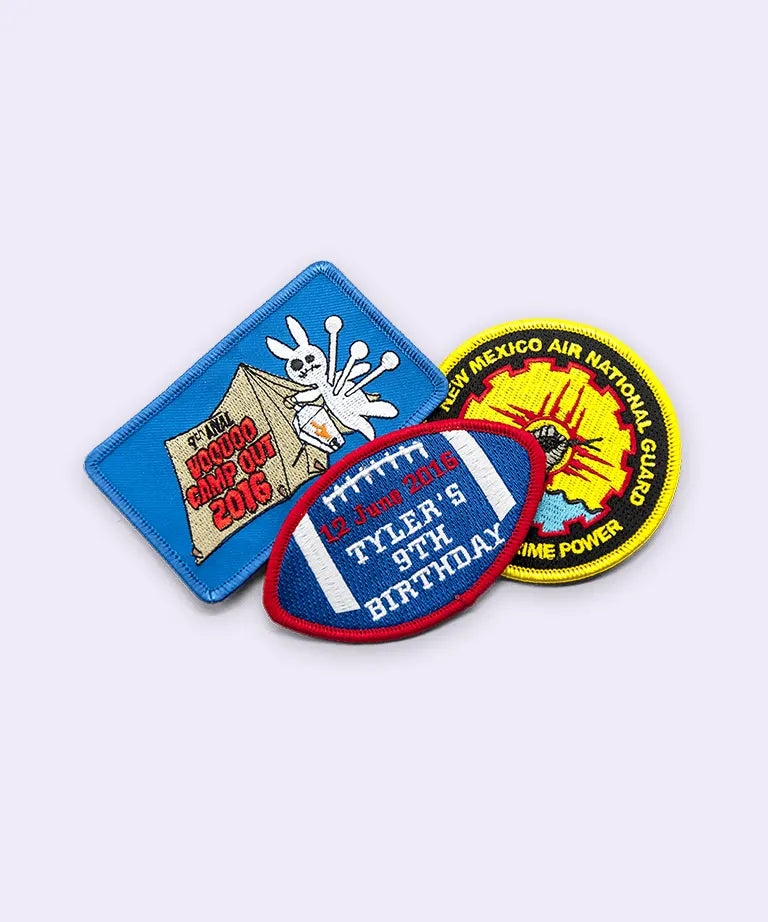
A fabric patch mockup PNG is a flat image file that displays the final appearance of the patch design with no layers or elements that are editable. However to utilize Rush Patch Fabric Patch Mockup tool, any user has to convert png file format into jpg.
This JPG format is simple, ready-to-view and easy to share, as is any design, whether on a portfolio, client email, or for quick comparison between design options, without requiring any special software to open it.
✓ Simple, shareable preview formatFrom creating a logo to the patch you see in the preview, no hassle.
• You can either use a clean vector (SVG/EPS) or a high-resolution PNG/JPG.
• Avoid ultra fine gradients (not stitchable).
Use the free generator to drop in the file or paste it into the layer of the smart object in PSD.
Select your patch shape, size, edge and patch backing.
Just look to check the stitch direction, thread density and color contrast.
Make any adjustment to the things that are not on if they are not on or lock them and go into production.
Fabric patch mockup Generator
Fabric patch mockup generator is a tool which creates a patch preview of your artwork to simulate all the texture, color, and finish details of the patch.
Instead of a quick, self-serve patch generator, Rush Patch is a designed process that involves uploading your design, choosing your patch type, size and backing, and receiving a digital mockup for you to review and give your approval prior to production. Even this still provides you with the main advantage, that is, viewing the design as a finished patch before you even start to work with it, but with an added step of review, not an instant preview.
Then you'll never find yourself short of a quote rushpatch.com.Previewing a fabric patch mockup with Rush Patch is a straightforward process:
A fabric patch mockup eliminates the guesswork of taking a design and making it a patch. The point of a fabric patch mockup is the same regardless of whether you have a free mockup of a patch or save a mockup of a patch as a PNG for reference or see a preview in Rush Patch's fabric patch mockup generator, it's to be sure that the design you're using will look the way you expect when it's finished for production.
This is a crucial moment for designers and businesses, as it helps avoid expensive errors and provides peace of mind in the final product.
Start Your Badge Order →
Clear answers to common questions about badge mockups and digitizing files.
Thanks for subscribing!
This email has been registered!
| Product | SKU | Description | Collection | Availability | Product type | Other details |
|---|